

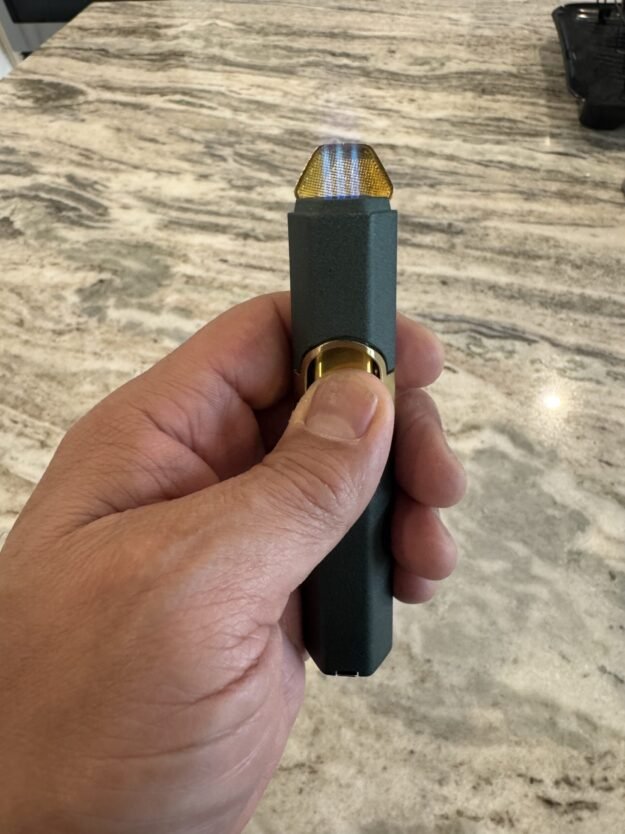
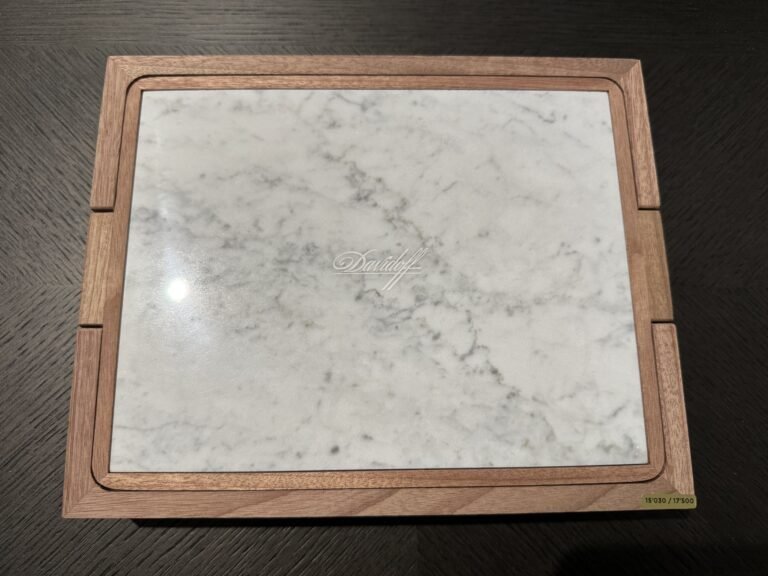
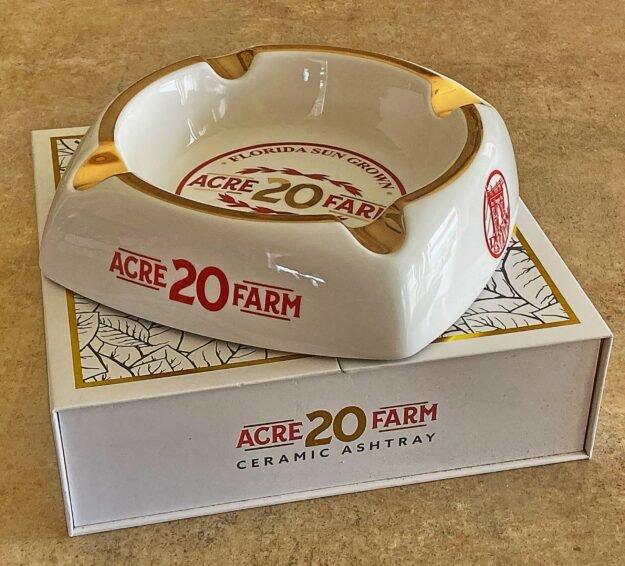
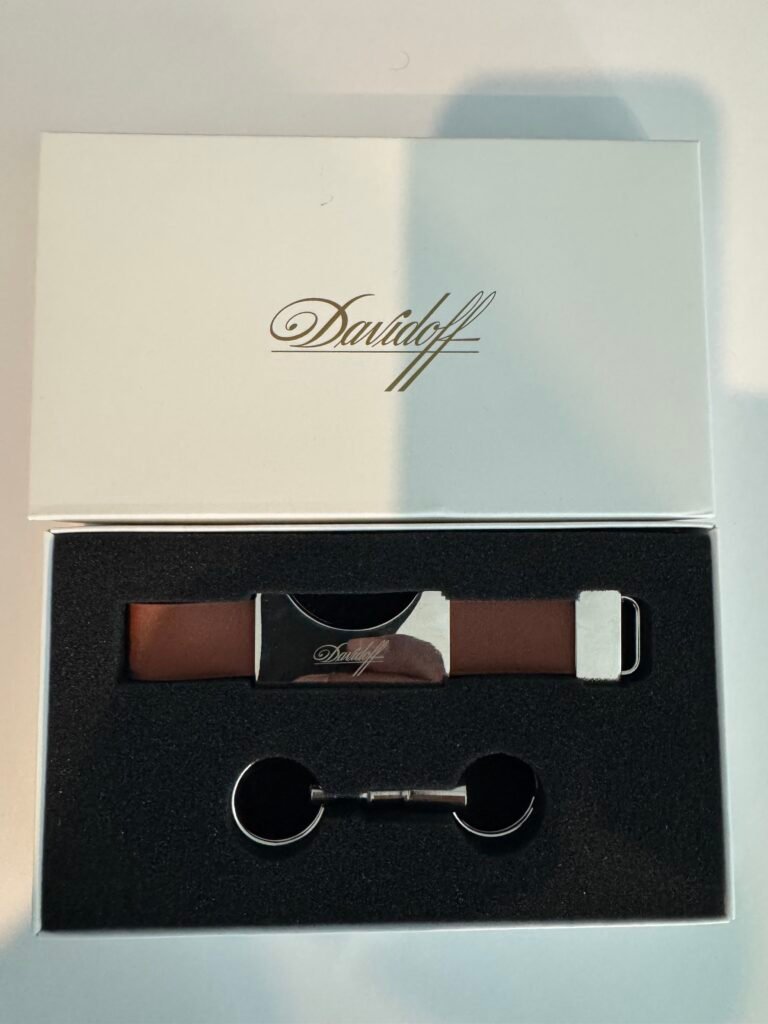

If you’re ready to start selling cigar accessories on StogieHub, this guide walks you through how to publish your first product using the vendor dashboard. The process is simple and takes only a few minutes once you understand the steps.
Step 1: Log In
Click Start Selling in the website’s main menu. If you already have a vendor account, enter your email and password to log in. If not, you can create your free vendor account from this page. Once signed in, you will automatically be redirected to your Vendor Dashboard, where you will manage your products, orders, and sales.
Click Start Selling
Enter your email and password to login or create a free account if you haven’t yet.
Enter the Vendor Dashboard

Step 2: Add a Product
To add a new item to your store, click the Add New Product button. This opens the product editor, where you will provide the information needed to display your product on the marketplace.
Step 3: Fill Out Product Details
To help buyers clearly understand what you are selling, fill out the product fields as accurately as possible. Below is what each field means:
Step 4: Shipping Options
All physical products on StogieHub require shipping information. When you are adding a product, check the box “This product requires shipping” to unlock the shipping fields.
StogieHub already includes USPS and FedEx 2-Day Flat Rate shipping options (Small, Medium, and Large), so in most cases, you do not need to set up shipping manually. Shipping prices are automatically calculated at checkout based on the package size you selected.
If you are using USPS or FedEx Flat Rate (recommended):
- Simply select the closest box size.
If you prefer to ship another way (UPS, Priority Express, Local Pickup, etc.):
- Leave Shipping Class = No shipping class ($0)
- Add your shipping cost to the product price and clearly note the shipping method in the product description.
This helps prevent delivery issues and increases shipping accuracy.
Weight in pounds (even an estimate is ok)
Length, Width, and Height of the product or package (in inches)
Shipping Class can remain as No shipping class unless you use custom rules
Step 5: Publish
Click Save Product to request publish
Commission Benefit
Your first completed sale on StogieHub has 0% commission. The regular 10% marketplace fee is waived automatically after your first order is marked as Completed.
Final Requirements
To keep the marketplace consistent and trustworthy, please follow these guidelines:
✔ Use clear product names and detailed descriptions
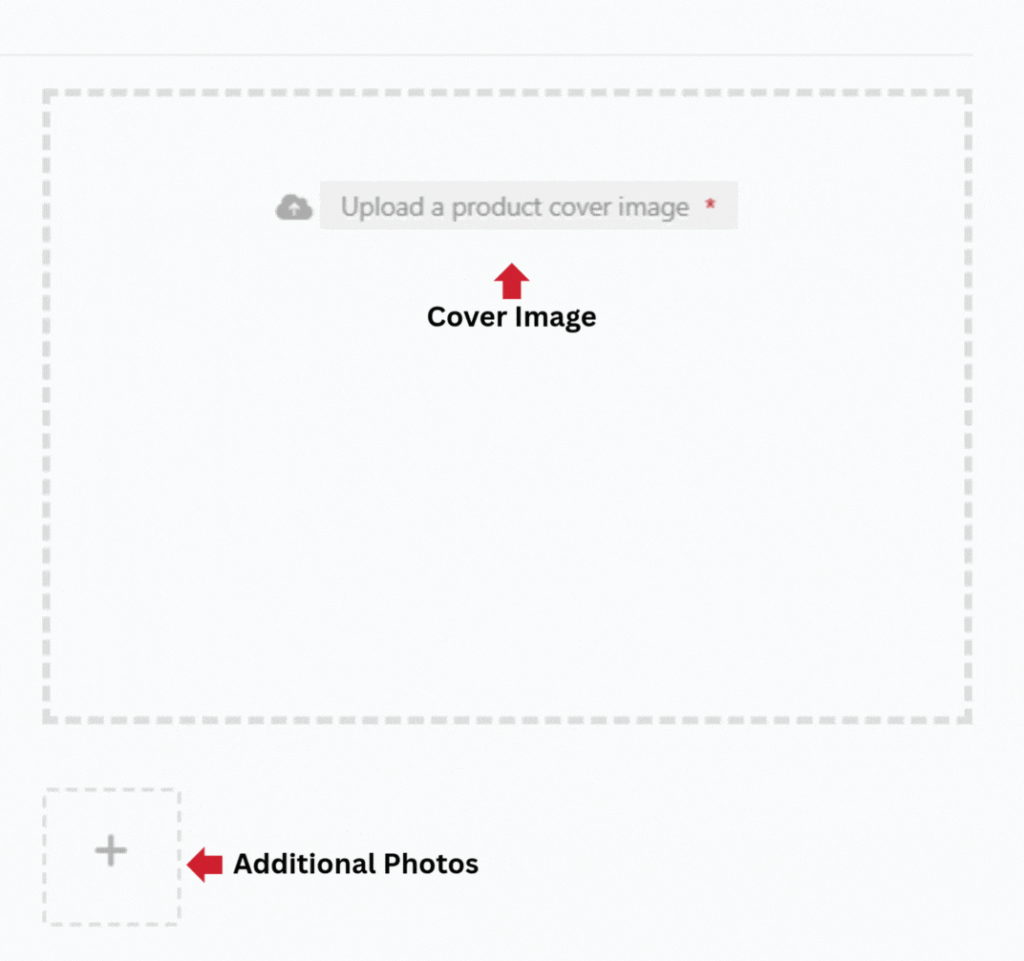
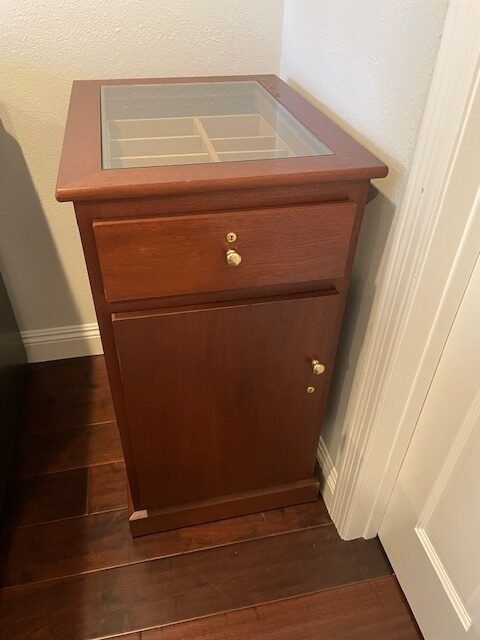
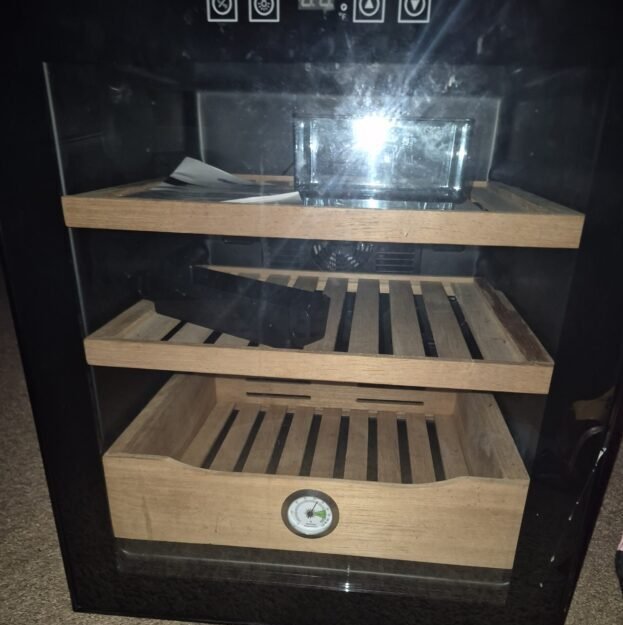
✔ Upload real photos of your actual product
✔ Select the correct product condition and category
✔ Tobacco products are not allowed — StogieHub is for accessories only
✔ Listings that include useful information and clean photos perform better in search results